IoT dashboard · Embedded display · 2025

Pilabz Heat Pump Dashboard

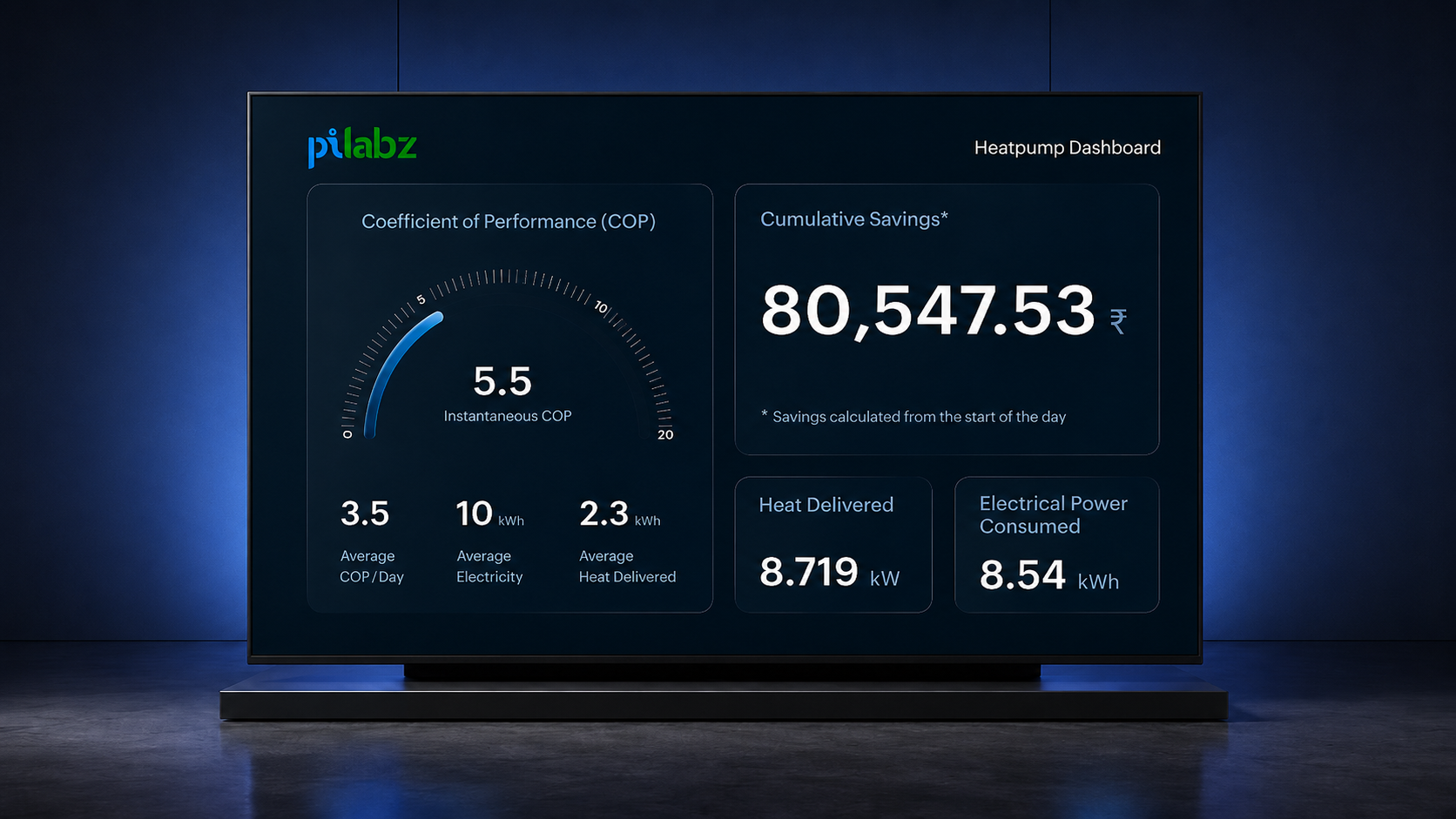
A real-time embedded dashboard designed for a campus heat pump installation, making technical performance data understandable at a glance for both engineers and non-technical employees.

Role
UI/UX Designer Sole designer · Research to handoff
Platform
Embedded display
Interaction
None - always-on
Status
Live · 2025

01 — Problem

Dense engineering data. 3 seconds to read it.

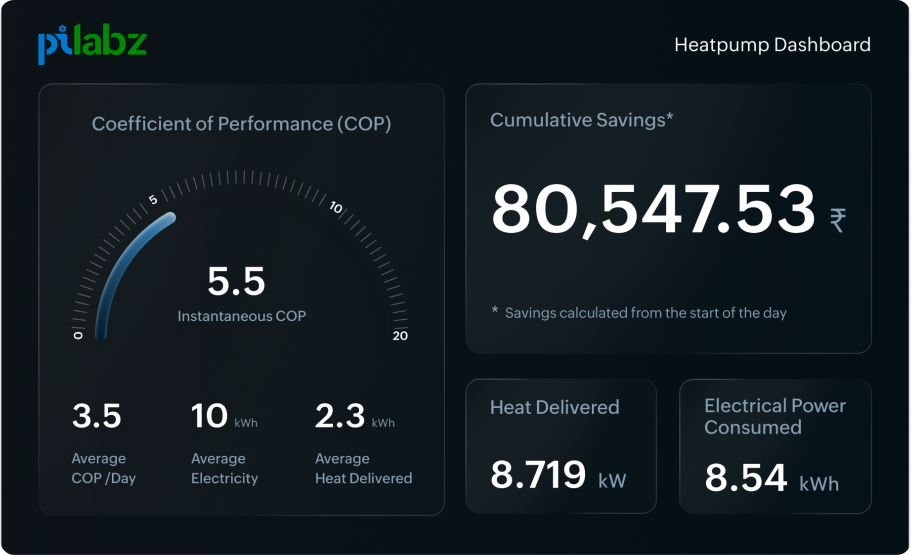
The dashboard had to show six live metrics — COP, electrical power, heat delivered, cumulative savings, and daily averages — on one fixed screen. There was no interaction, scrolling, or second-level detail.
The challenge was to make dense engineering data readable from a distance and meaningful within a few seconds.

Heat pump dashboard preview

02 — Design decisions

Three choices that defined the screen

Led with system value, not system data

The dashboard leads with COP and cumulative savings because they answer the user’s first question: “Is the system performing well, and is it creating measurable value?”

Instead of starting with raw sensor readings, the screen begins with the metrics that turn system behaviour into a clear performance story.

Rejected

A sensor-first dashboard that showed all engineering values upfront and left users to interpret the outcome themselves.
Used a visual anchor for performance understanding

COP is not shown as a number alone. The gauge gives the value context by showing its position within a performance range.

The large 5.5 Instantaneous COP supports precision, while the gauge helps users understand direction and performance quality at a glance.

Rejected

A simple numeric COP card that was accurate, but lacked range, context, and quick interpretability.

Made business impact impossible to miss

Cumulative savings is treated as a primary metric because it translates technical efficiency into a business outcome.

This made the dashboard useful beyond engineering users. A facility manager, business owner, or stakeholder could immediately understand what the system was contributing without needing to decode technical readings.

Rejected

Placing savings below engineering values, which would make the system’s business impact feel secondary.

03 — Impact

Numbers that tell a real story

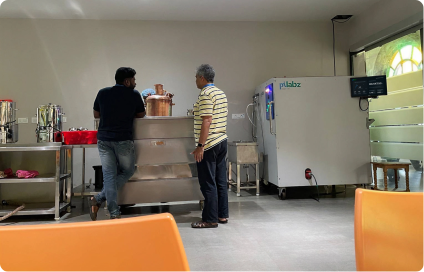
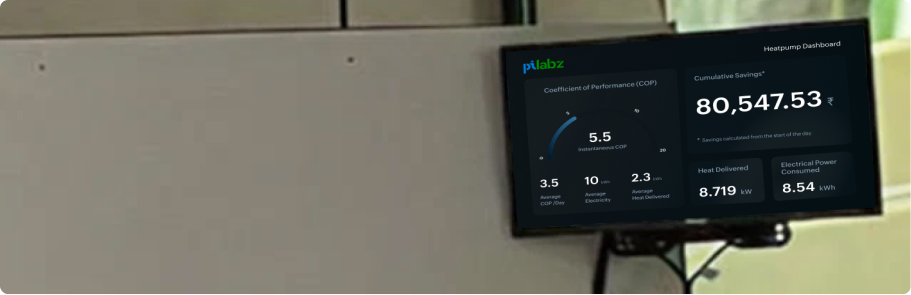
The heat pump replaced a fuel-based heating process with a more efficient system. The dashboard was installed as a live always-on display at Zoho’s Tenkasi campus, helping make heat pump performance and energy savings visible in real time.
People viewing the heat pump dashboard in a room
Installed Pilabz heat pump dashboard on a wall

Metrics are based on internal walk-by readability testing and display reviews with engineers and non-technical viewers. They are usability indicators, not post-launch analytics.

80%

first-glance recall

Savings became the remembered metric. Most viewers recalled the savings value first after it was given the strongest visual weight on the dashboard.

3 sec

Recognition

Savings story became clear faster. In walk-by testing, viewers understood the energy-impact story faster after cumulative savings was made visually dominant.

04 — Reflection

What this project taught me

This project taught me that UX is not always about interaction. In an ambient display, the main job is clarity. The screen has to communicate without asking the viewer to stop, tap, or explore.